Sharing, done properly
Once a candidate's ready, getting them in front of the right person shouldn't mean zipping up a folder and hoping it opens cleanly on the other end.
knowhash Recruit gives you branded, one-click profile pages instead — for a single candidate, or a whole shortlist. Pick who's going in, add a note if you want to, and you get a link. That's it. No download, no attachment, no "let me know if that file won't open."
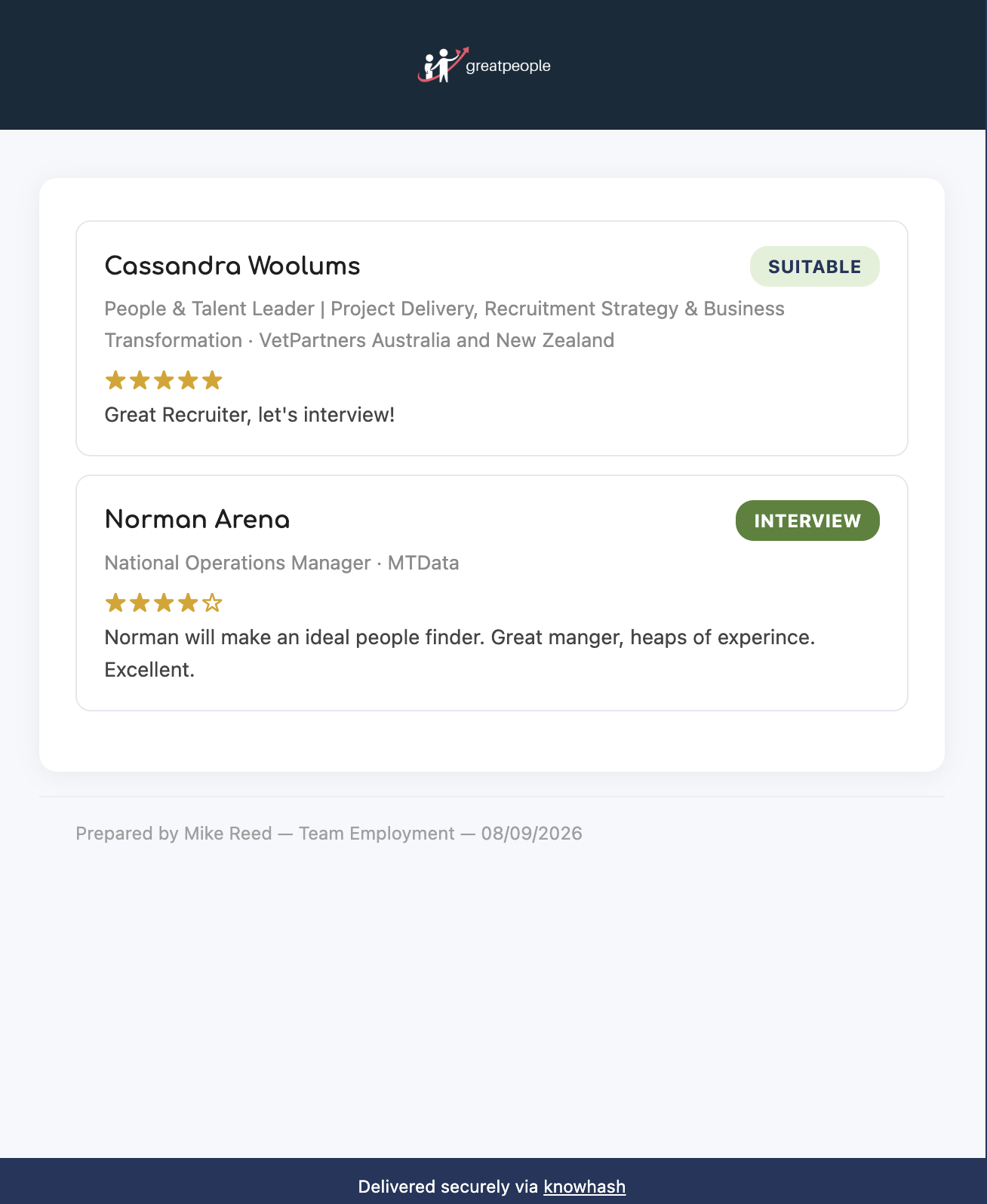
A shortlist, branded in the recruiter's own colours and logo.
The person you send it to sees exactly what you'd want them to see: the candidate's profile, your notes, their documents, all wrapped in your own branding — your logo, your colours, your voice. Send a shortlist, and each candidate gets their own page, with one landing view listing all of them so nobody has to guess who's included.

Click through from the shortlist to a candidate's full brief — same branding, more detail.
You can open the link yourself first, before it ever goes anywhere, to see precisely what your management, colleagues, or client will see.
And it's built with the same security discipline as everything else in knowhash — every link is time-restricted, and candidate data is cleared on a routine schedule rather than sitting on a server indefinitely. Nobody except the people you actually send a link to can see anything, and only for as long as that link stays live. Nothing to forward, nothing to lose track of, nothing left behind once the window closes.
Sharing lives right where you already manage candidates in knowhash Recruit — give it a try next time you've got someone worth putting in front of a client.